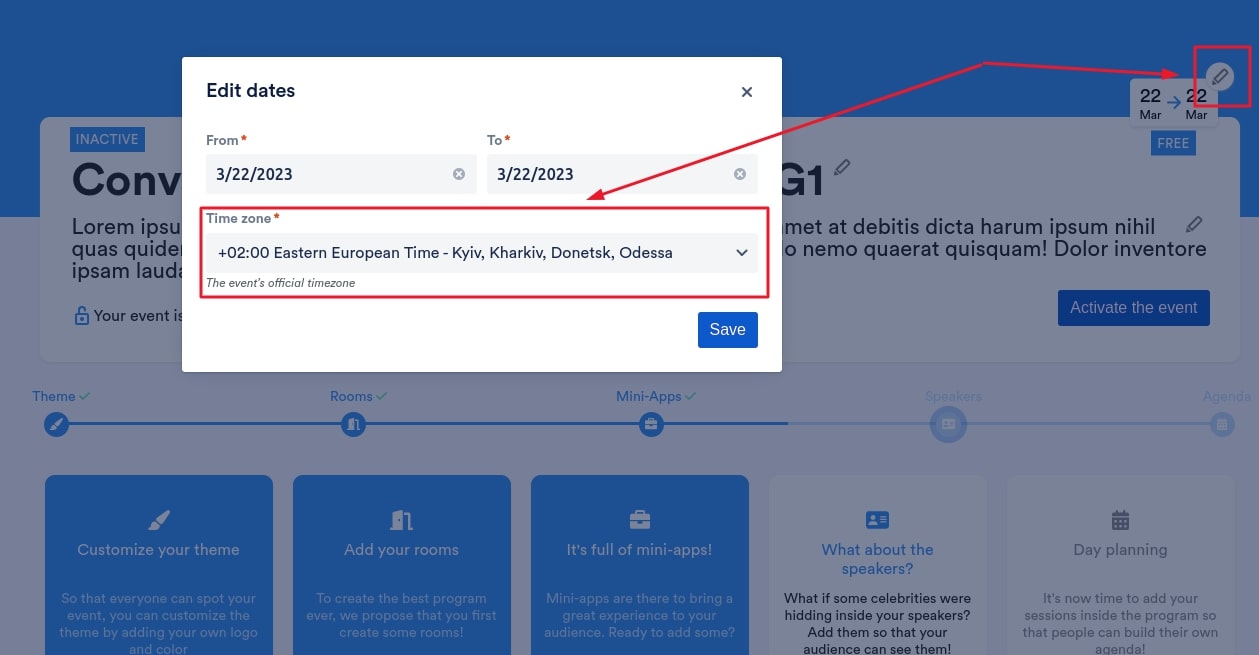
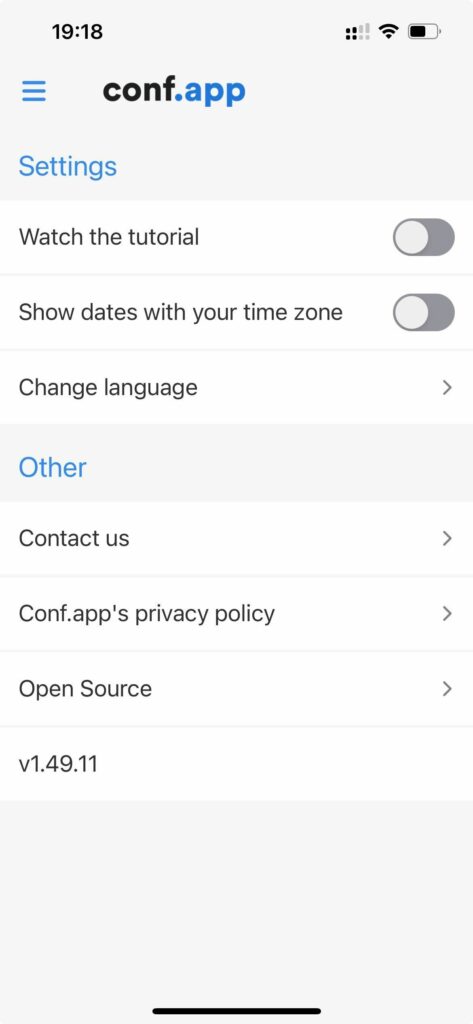
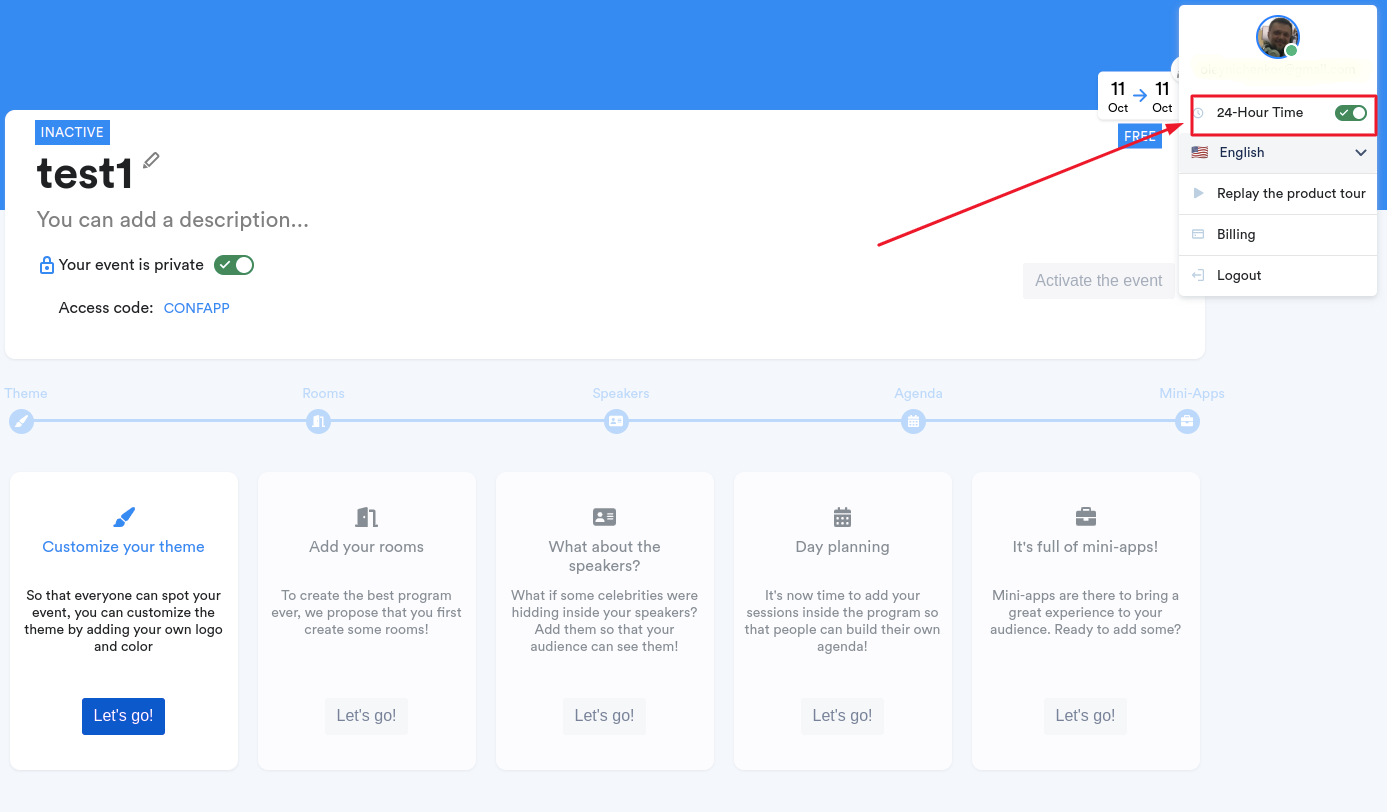
Timezone

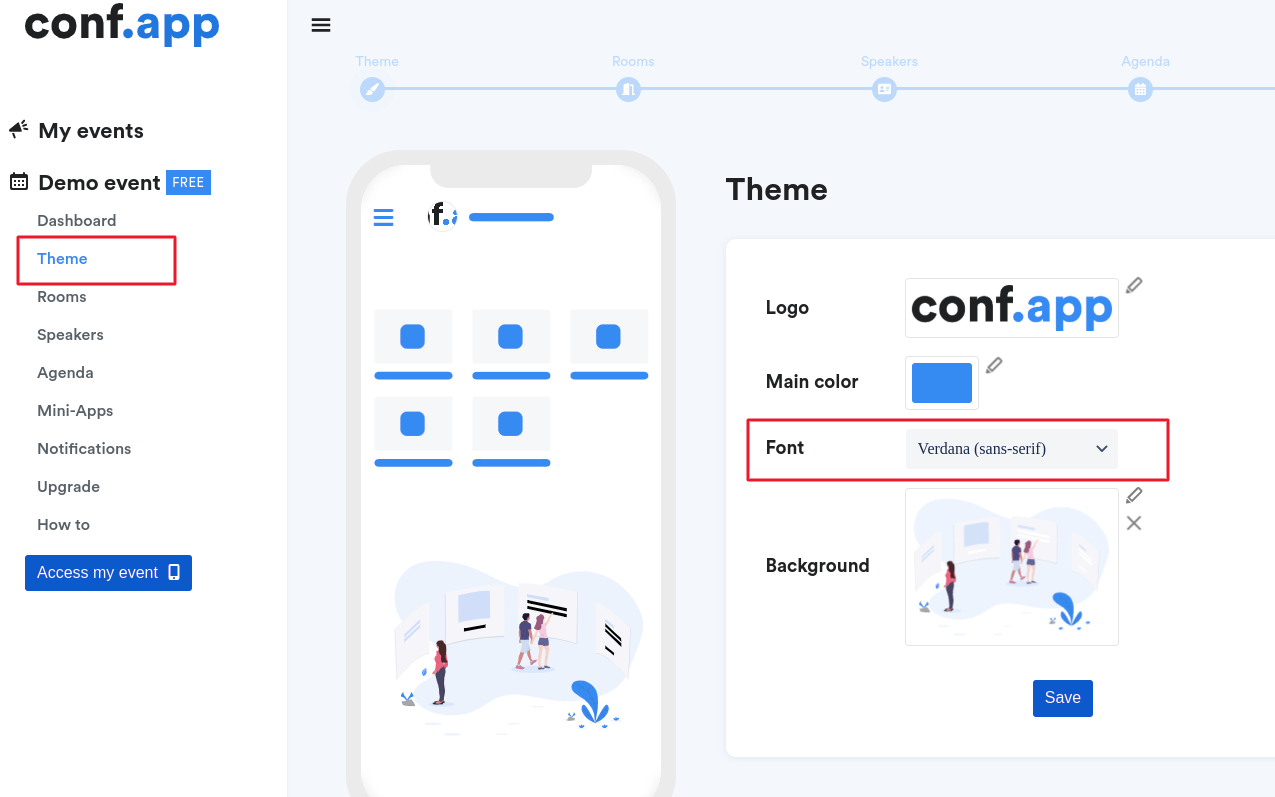
You can choose a font for you event in mobile.
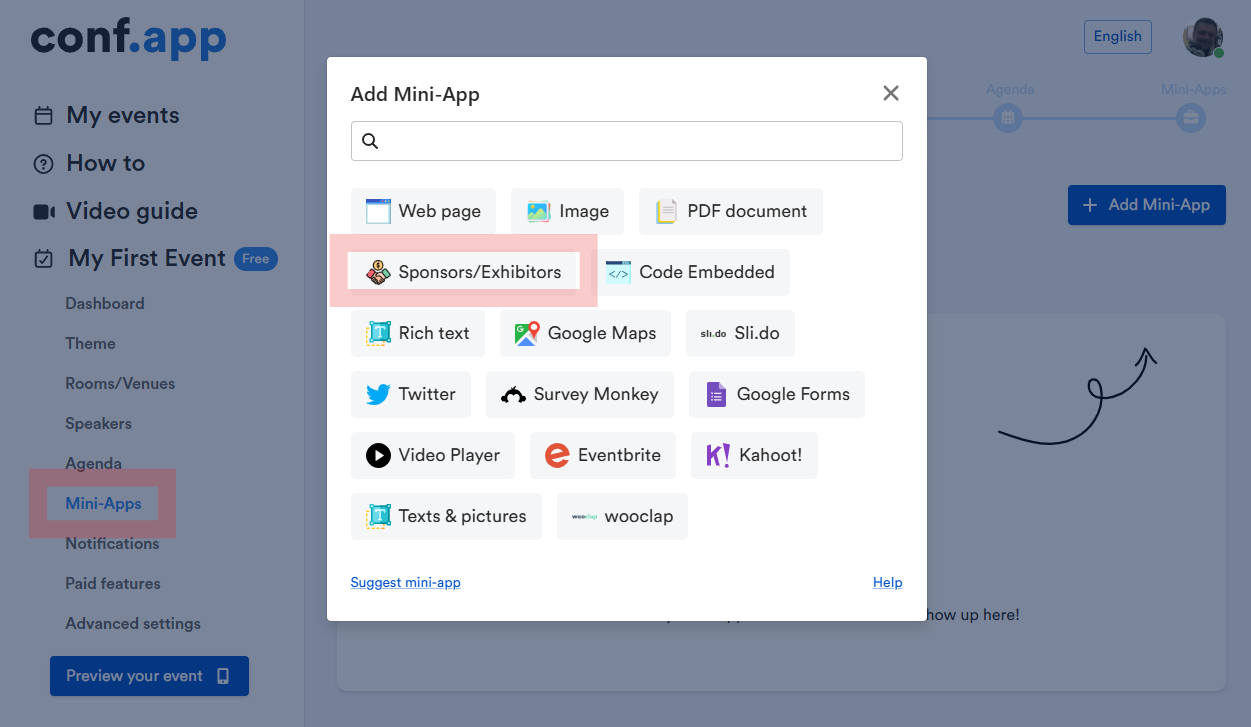
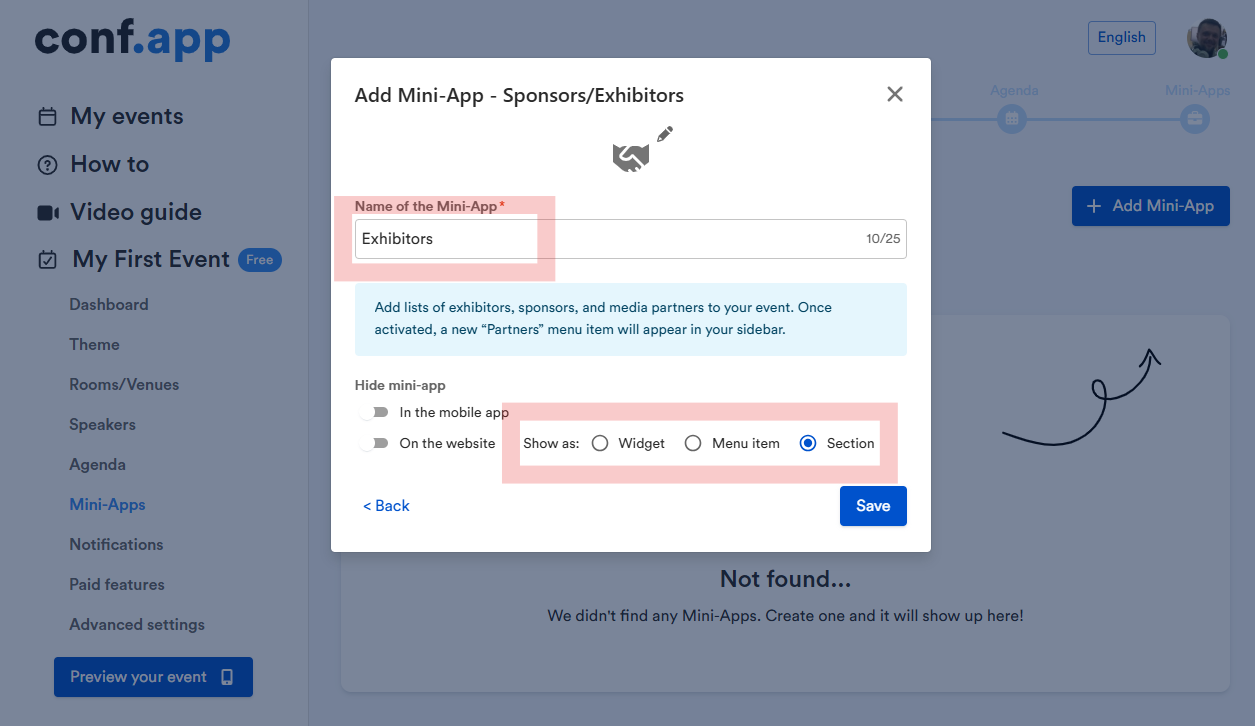
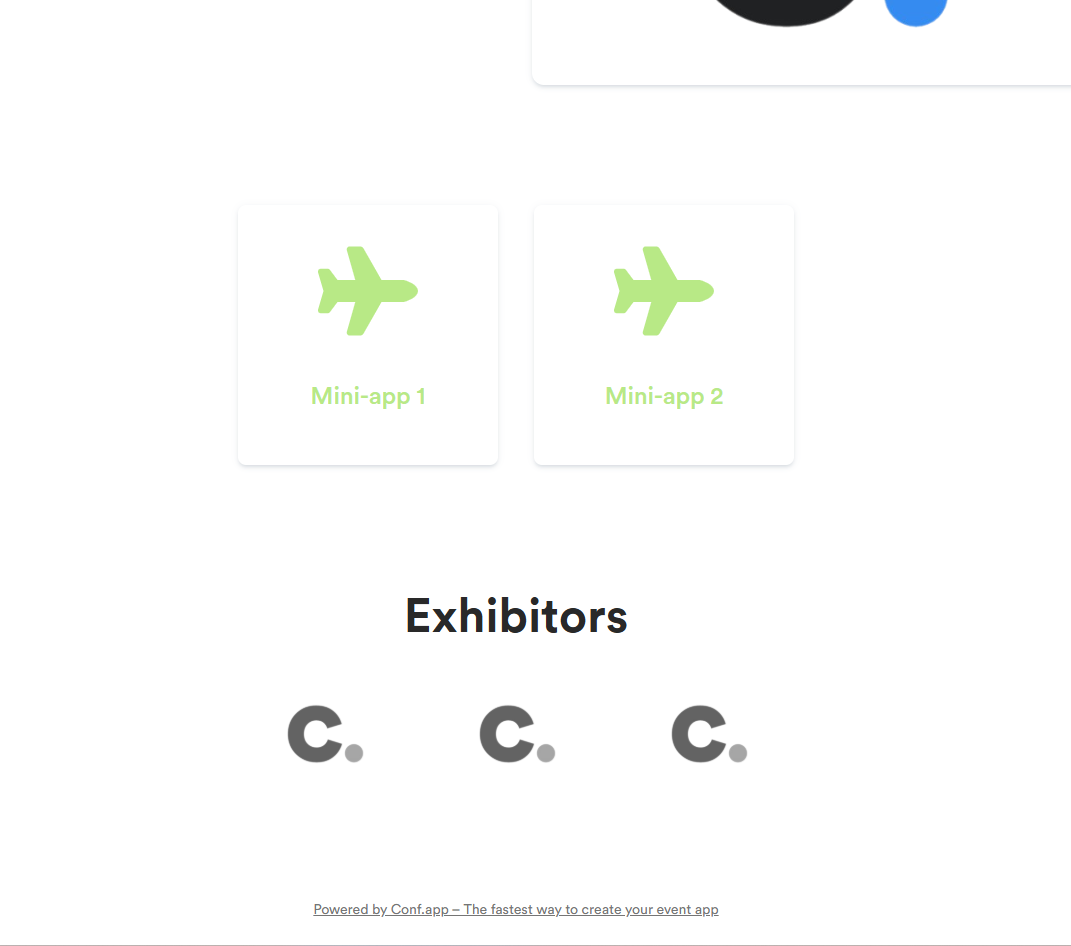
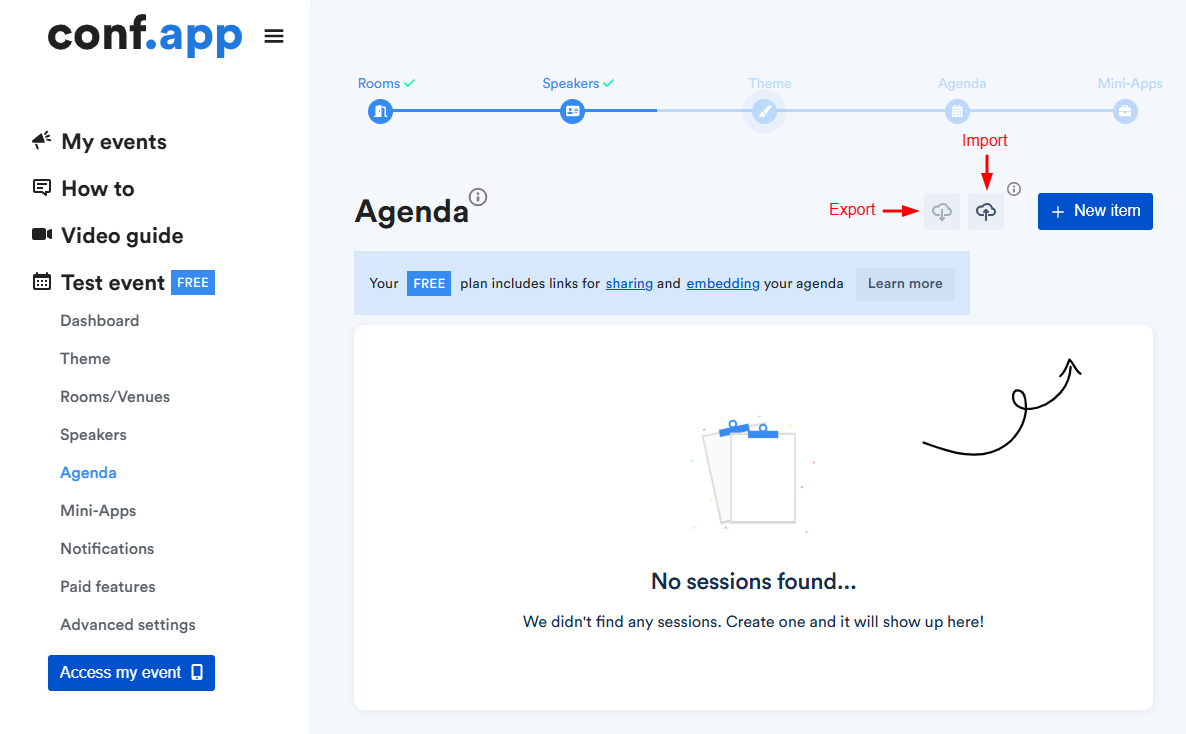
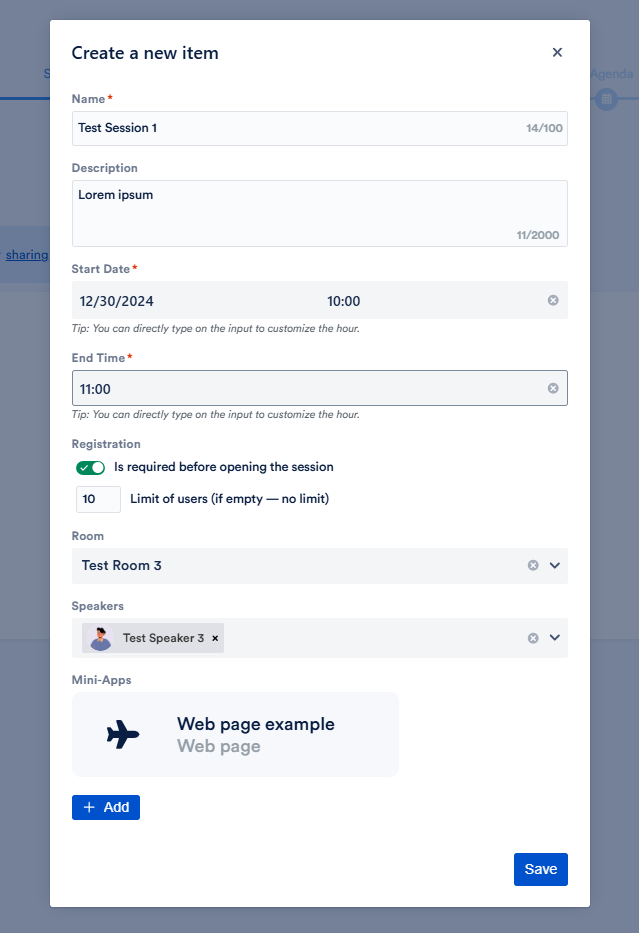
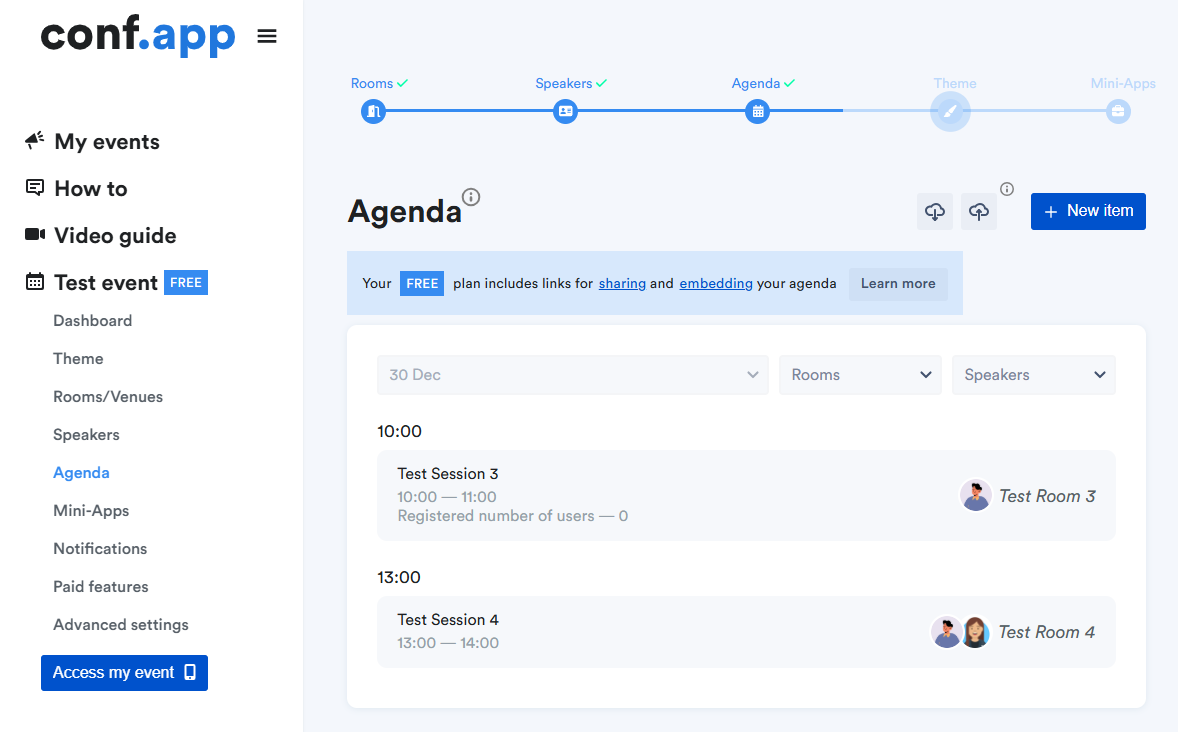
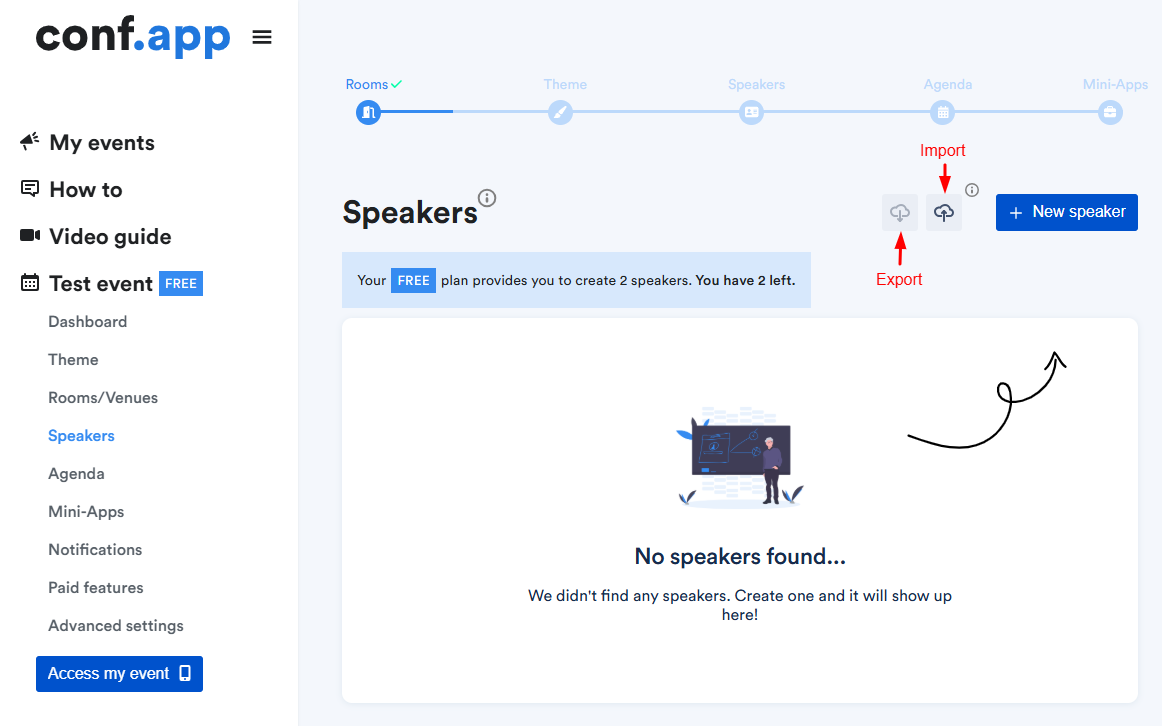
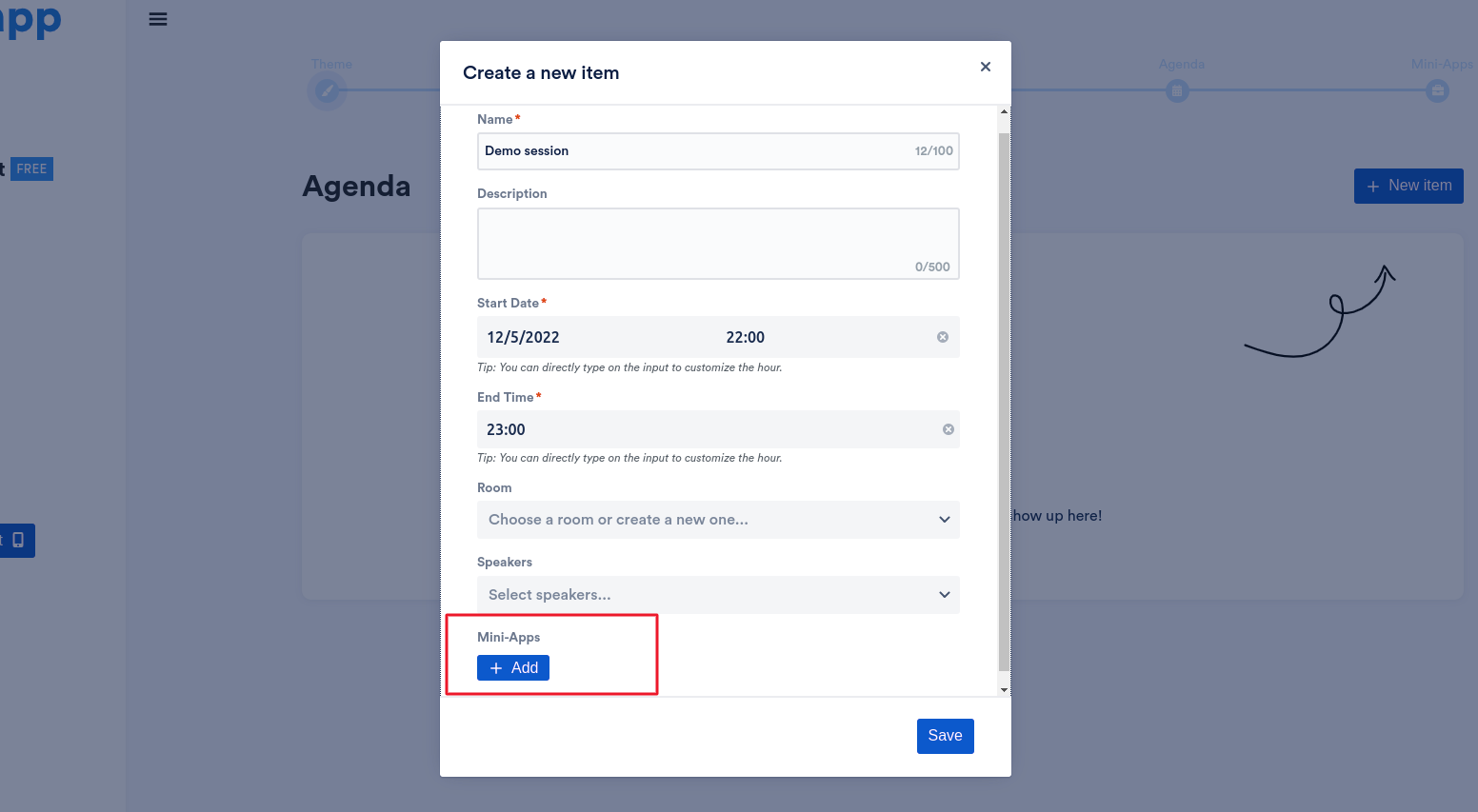
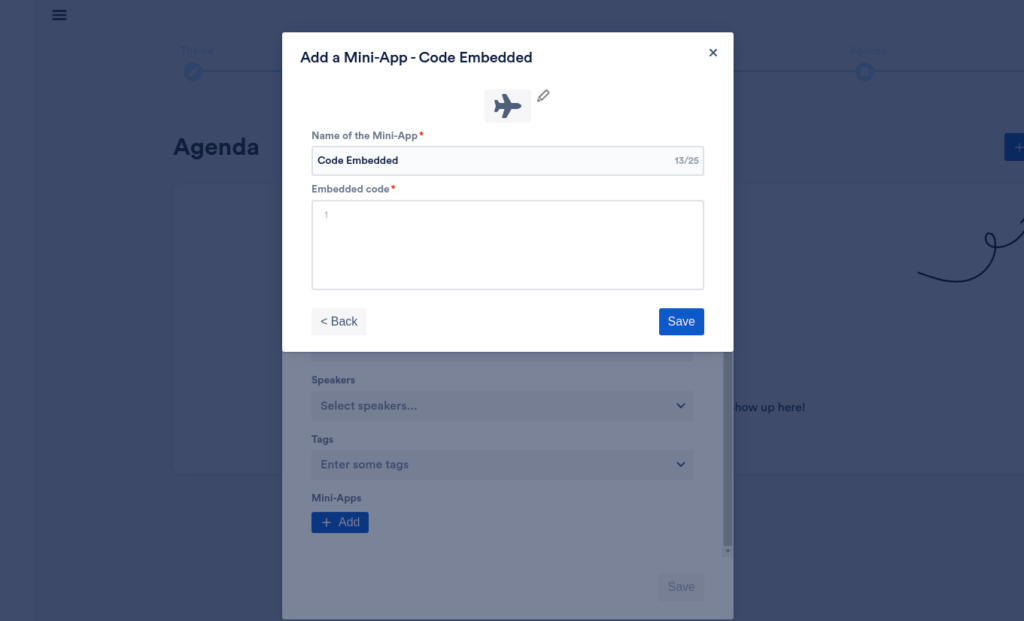
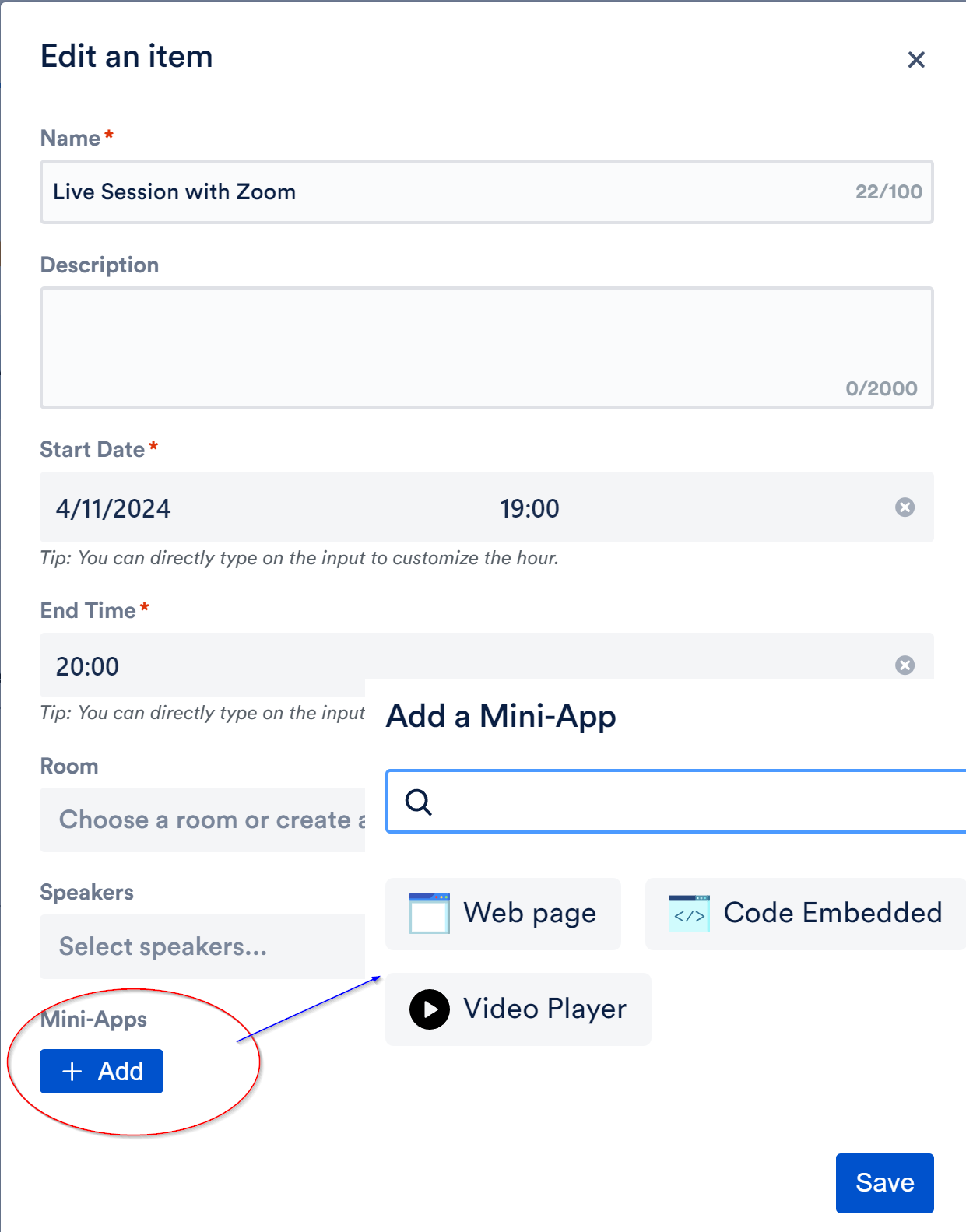
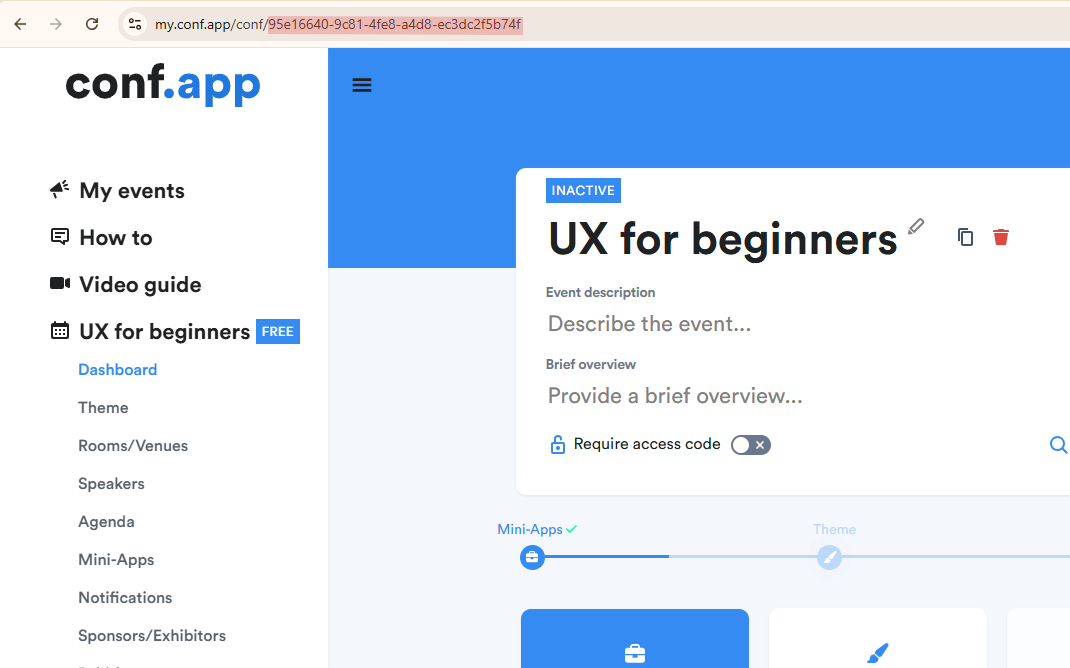
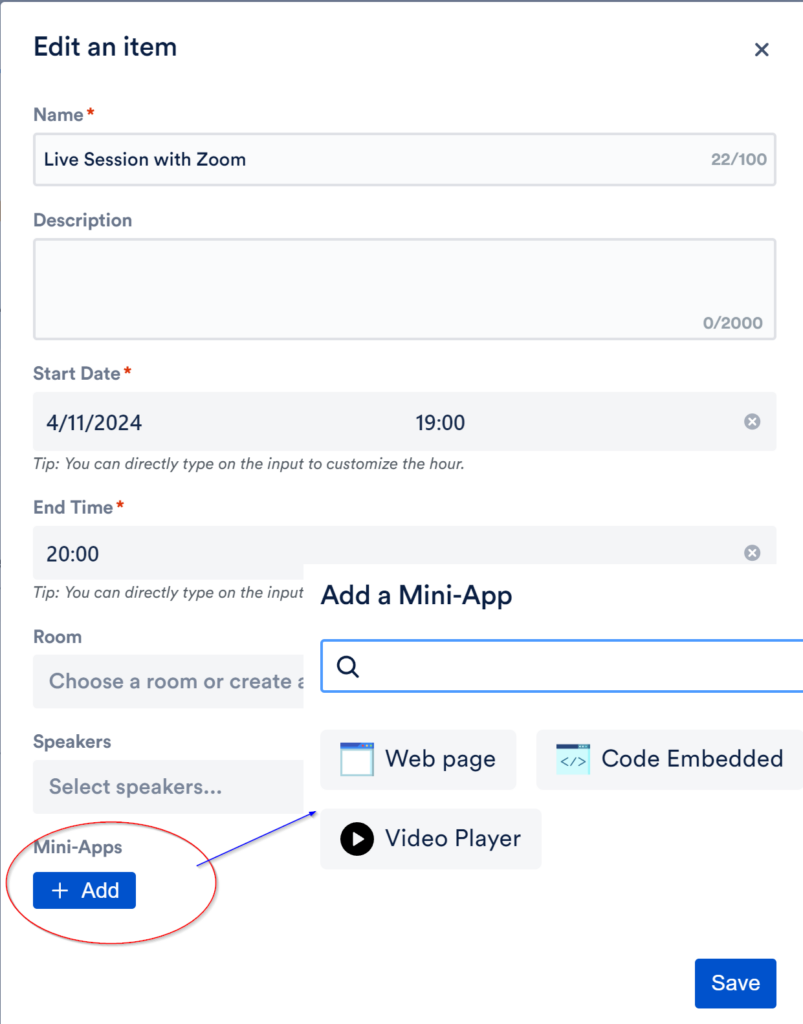
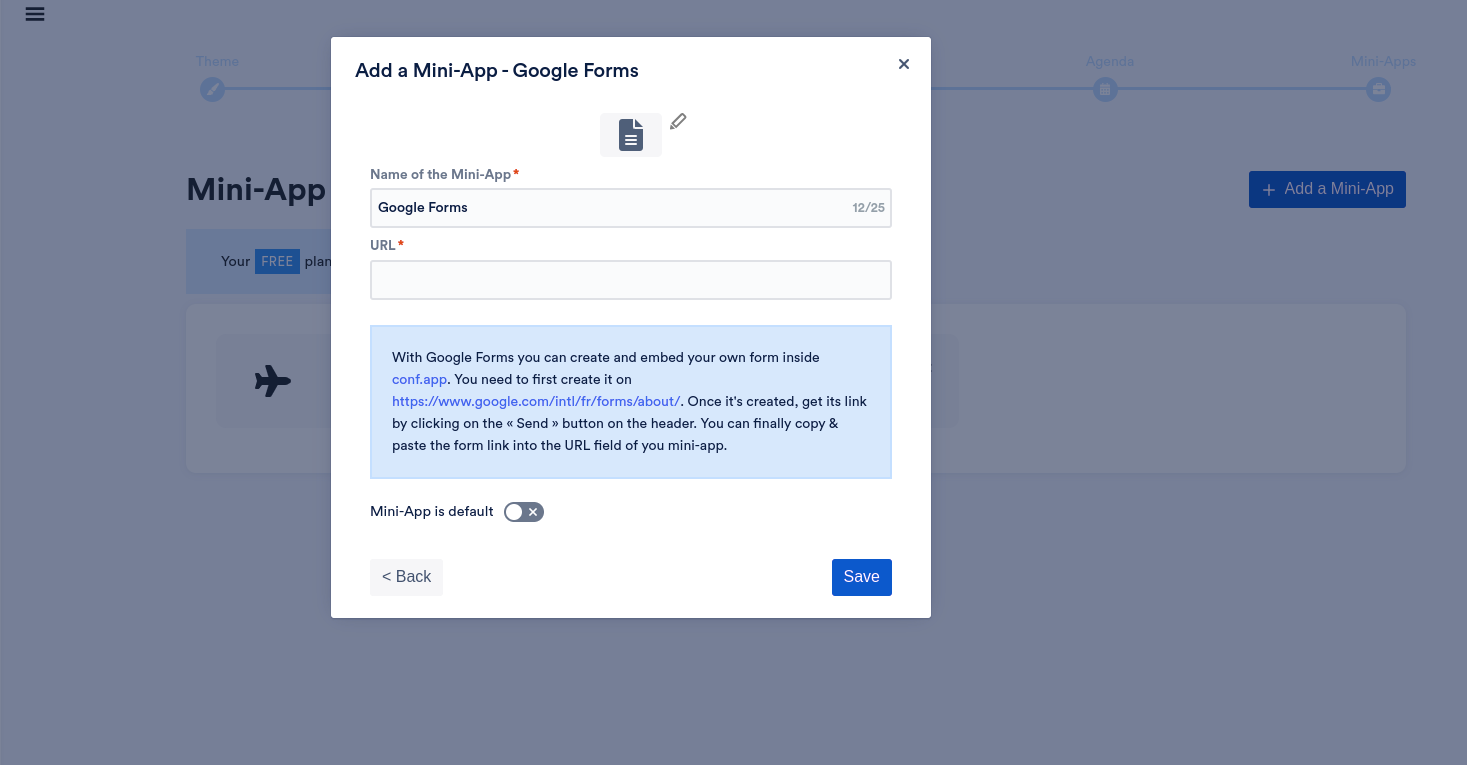
Conf.app goes beyond the classic video conference tools. It’s designed to create an app where you can build an agenda for a single day or multiple days event, and where each entry of the agenda can embed a link or the video player of a virtual event. You can actually embed anything you need, many of our customers would use google doc to create practical information pages, google form to collect some data, google maps to indicate the event location for example. You could also include links to various tools like whatsapp, sli.do etc.

You should try to match your typical target audience screen size, usually 1284 x 2778 (to match iPhone 14 Plus screen size) or 1170 x 2532 is good. The app will resize automatically the image for different other screen sizes
Conf.app allows you to customize the font throughout your whole app, however this won’t be applied to external tools such as Google form. You need to select a similar font in Google form if they offer this possibility.
/*! elementor - v3.21.0 - 26-05-2024 */ .elementor-widget-image{text-align:center}.elementor-widget-image a{display:inline-block}.elementor-widget-image a img[src$=".svg"]{width:48px}.elementor-widget-image img{vertical-align:middle;display:inline-block}
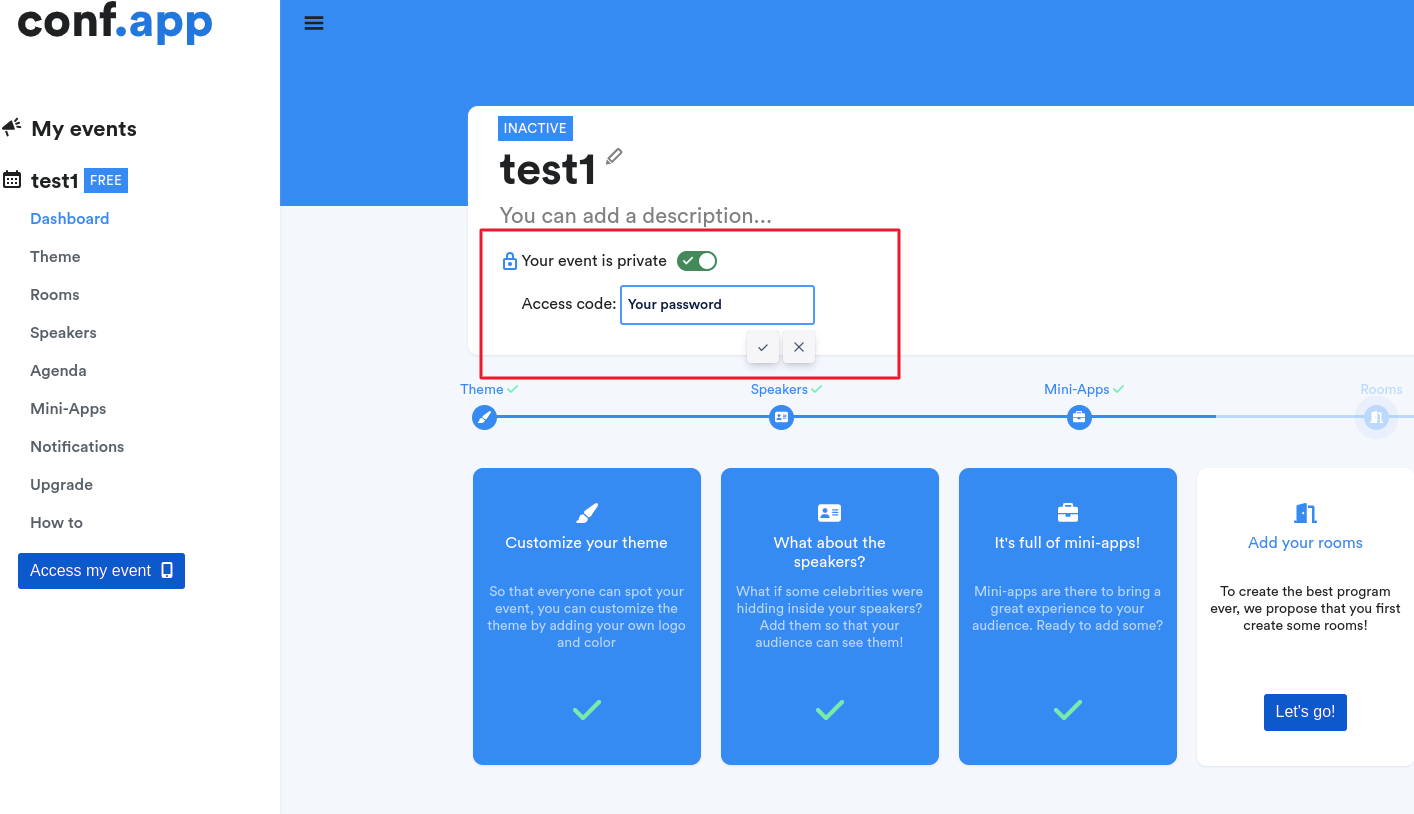




You can create a PDF with the content you need and upload the PDF to your Google drive. 
Allow access to anyone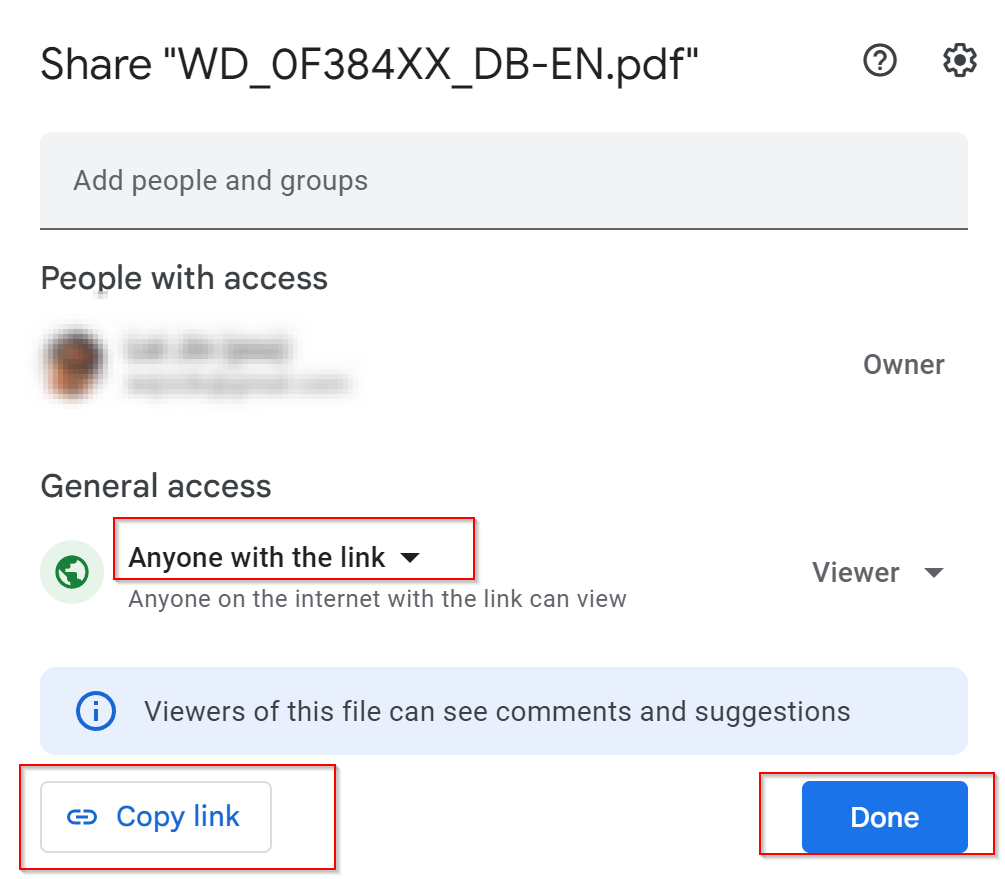
Get the "share URL" of this PDF from Google drive and add it to your app event with the "Web page" mini-app.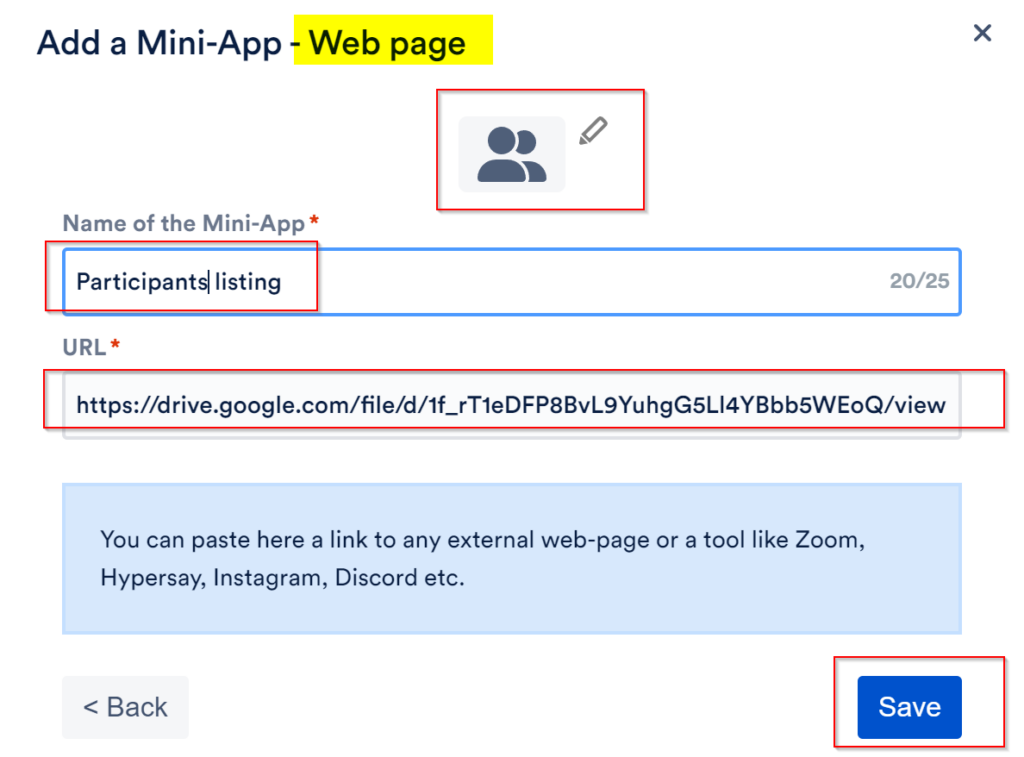
For photos sharing, if your participants have Google accounts, Google photos shared album can be an option: https://guidebooks.google.com/iphone/photos/how-to-create-a-shared-album
Other services, like https://www.kululu.com/ (free test account available) and https://dropevent.com/ could fit your needs.
Some suggestion from https://www.thetravelteam.com/a-complete-list-of-photo-sharing-apps-for-your-next-friendcation/ might fit your needs
You should try to match your typical target audience screen size, usually 1284 x 2778 (to match iPhone 14 Plus screen size) or 1170 x 2532 is good. The app will resize automatically the image for different other screen sizes
Conf.app allows you to customize the font throughout your whole app, however this won’t be applied to external tools such as Google form. You need to select a similar font in Google form if they offer this possibility.
/*! elementor - v3.21.0 - 26-05-2024 */ .elementor-widget-image{text-align:center}.elementor-widget-image a{display:inline-block}.elementor-widget-image a img[src$=".svg"]{width:48px}.elementor-widget-image img{vertical-align:middle;display:inline-block}
For photos sharing, if your participants have Google accounts, Google photos shared album can be an option: https://guidebooks.google.com/iphone/photos/how-to-create-a-shared-album
Other services, like https://www.kululu.com/ (free test account available) and https://dropevent.com/ could fit your needs.
Some suggestion from https://www.thetravelteam.com/a-complete-list-of-photo-sharing-apps-for-your-next-friendcation/ might fit your needs
Conf.app goes beyond the classic video conference tools. It’s designed to create an app where you can build an agenda for a single day or multiple days event, and where each entry of the agenda can embed a link or the video player of a virtual event. You can actually embed anything you need, many of our customers would use google doc to create practical information pages, google form to collect some data, google maps to indicate the event location for example. You could also include links to various tools like whatsapp, sli.do etc.
You can create a PDF with the content you need and upload the PDF to your Google drive.
Allow access to anyone
Get the "share URL" of this PDF from Google drive and add it to your app event with the "Web page" mini-app.
For photos sharing, if your participants have Google accounts, Google photos shared album can be an option: https://guidebooks.google.com/iphone/photos/how-to-create-a-shared-album
Other services, like https://www.kululu.com/ (free test account available) and https://dropevent.com/ could fit your needs.
Some suggestion from https://www.thetravelteam.com/a-complete-list-of-photo-sharing-apps-for-your-next-friendcation/ might fit your needs
You should try to match your typical target audience screen size, usually 1284 x 2778 (to match iPhone 14 Plus screen size) or 1170 x 2532 is good. The app will resize automatically the image for different other screen sizes
Conf.app allows you to customize the font throughout your whole app, however this won’t be applied to external tools such as Google form. You need to select a similar font in Google form if they offer this possibility.
/*! elementor - v3.21.0 - 26-05-2024 */ .elementor-widget-image{text-align:center}.elementor-widget-image a{display:inline-block}.elementor-widget-image a img[src$=".svg"]{width:48px}.elementor-widget-image img{vertical-align:middle;display:inline-block}
You can create a PDF with the content you need and upload the PDF to your Google drive.
Allow access to anyone
Get the "share URL" of this PDF from Google drive and add it to your app event with the "Web page" mini-app.