Free Event App

Free Event App

Did You Know?

You can set a timezone for you event

Sponsors & Exhibitors Setup
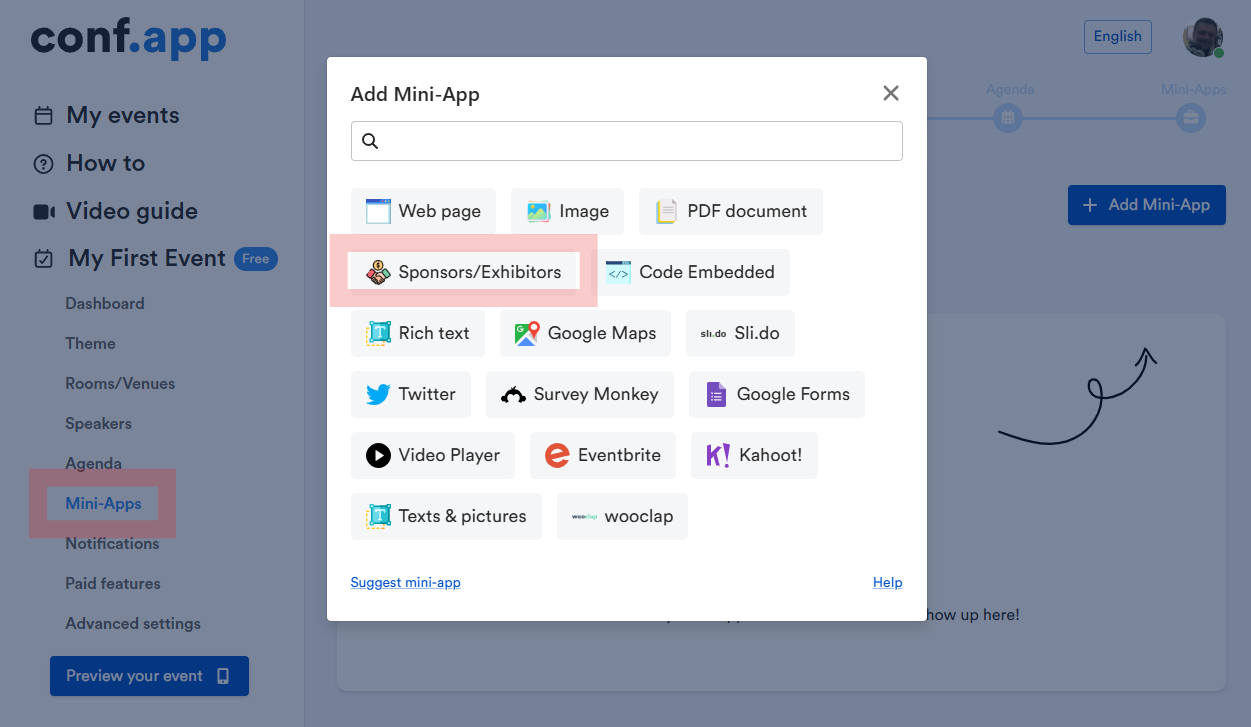
To showcase sponsors, exhibitors, media partners, and similar participants, you can add dedicated pages, sections, widgets, or menu items. 

This is handled by the Sponsors / Exhibitors mini-app, which you can find in the mini-apps list and add as many times as needed.

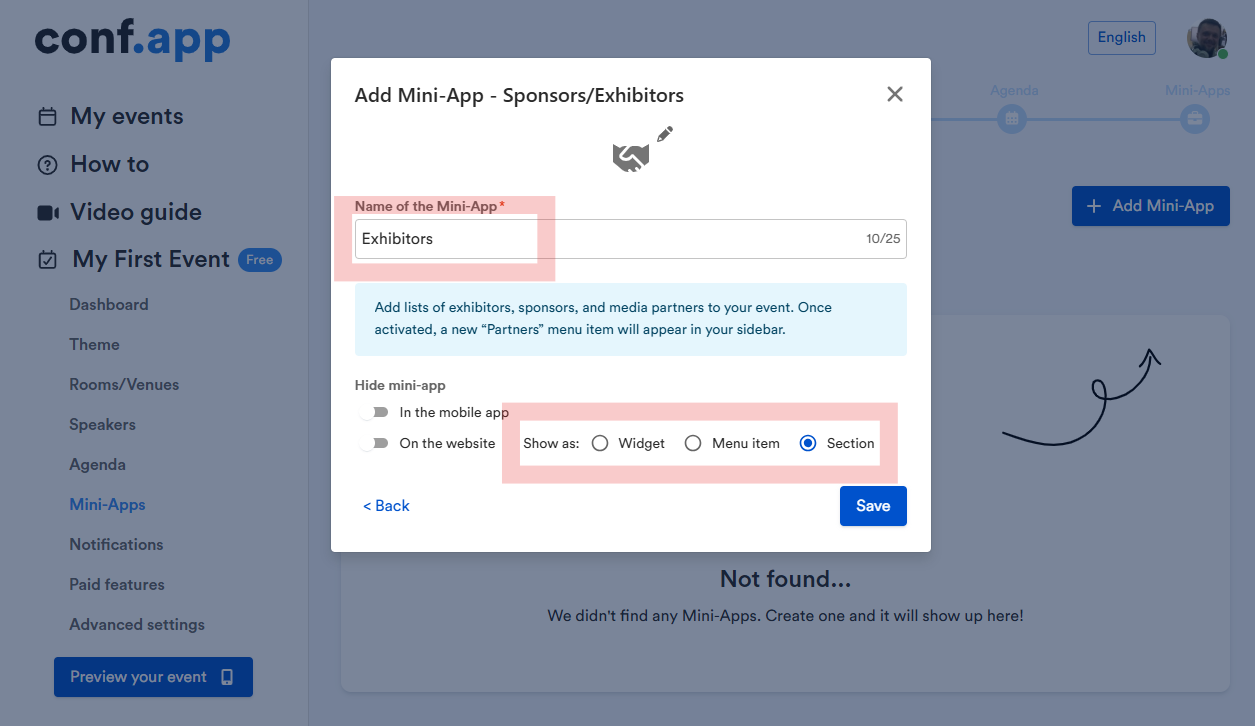
Mini-app settings

You can rename the mini-app, choose whether it should be shown separately in the mobile app or on the event website, and select how the data is displayed on the event website — as a widget, a menu item, or a section on the front page.

Managing Entries

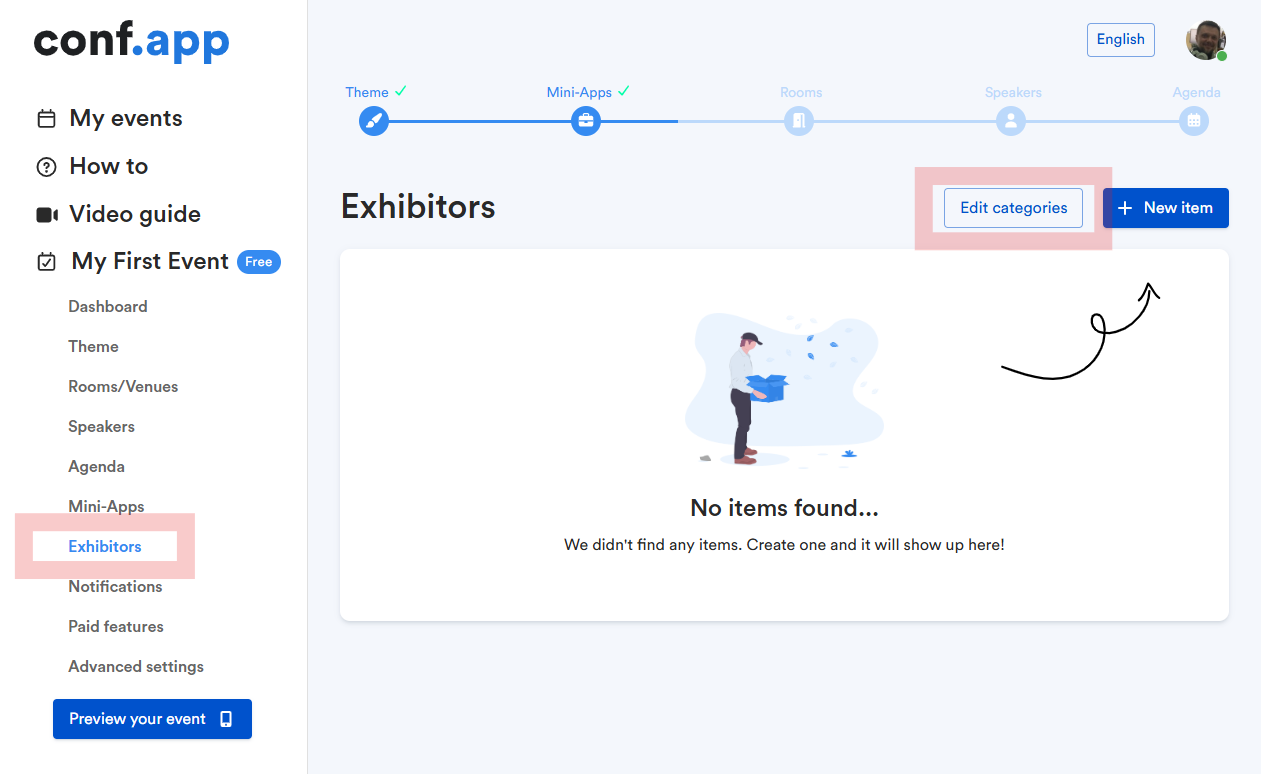
After saving the mini-app, a menu item will appear in the left sidebar, where you can add categories and create items for your mini-app.

Preview Your Mini-App

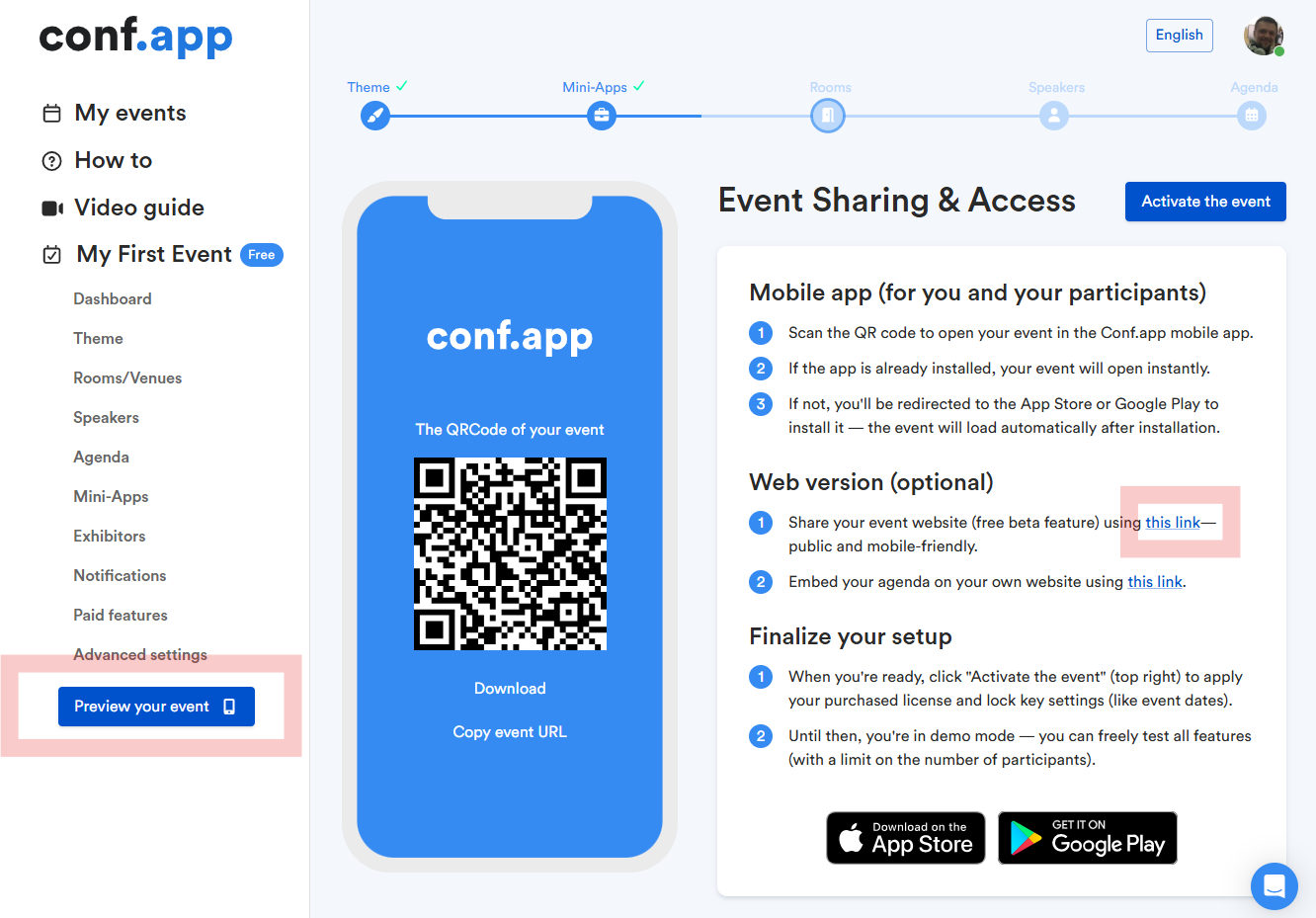
Once you’ve created some items, you can preview how they look on mobile or the website by scanning the QR code or following the link on the Preview Your Event page.

UI Display Options

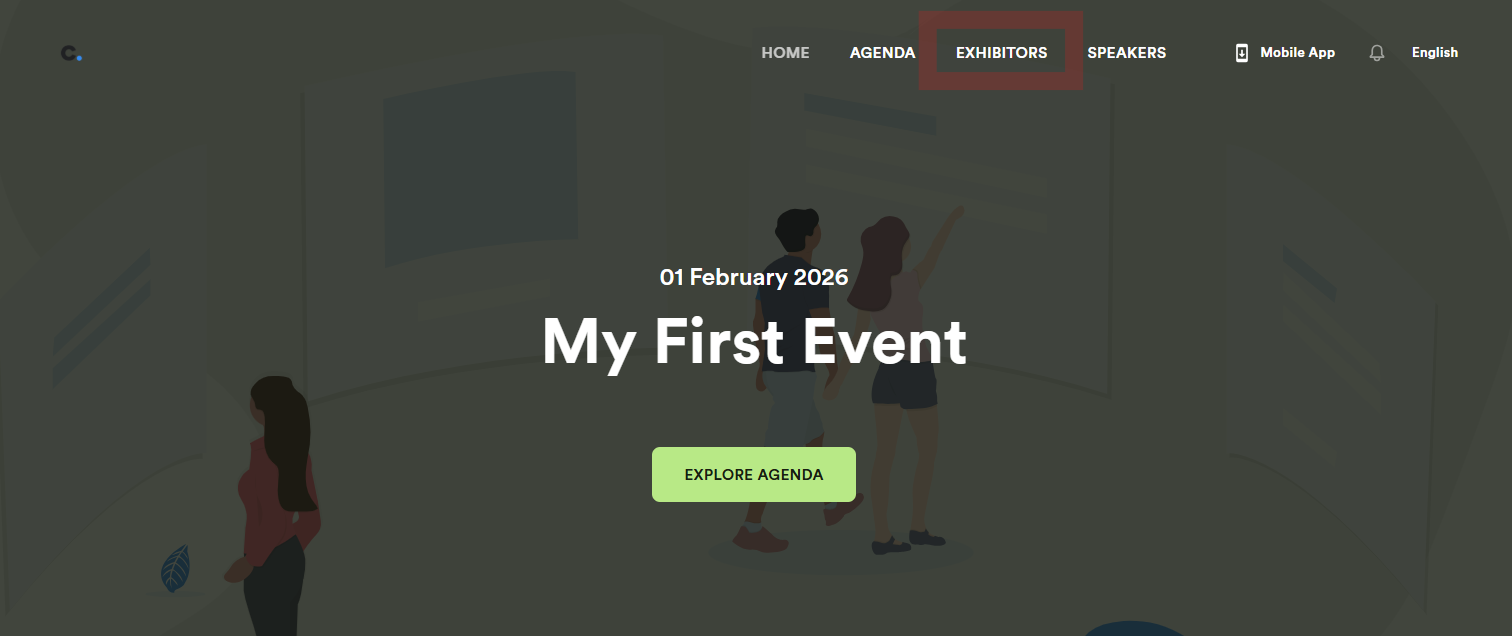
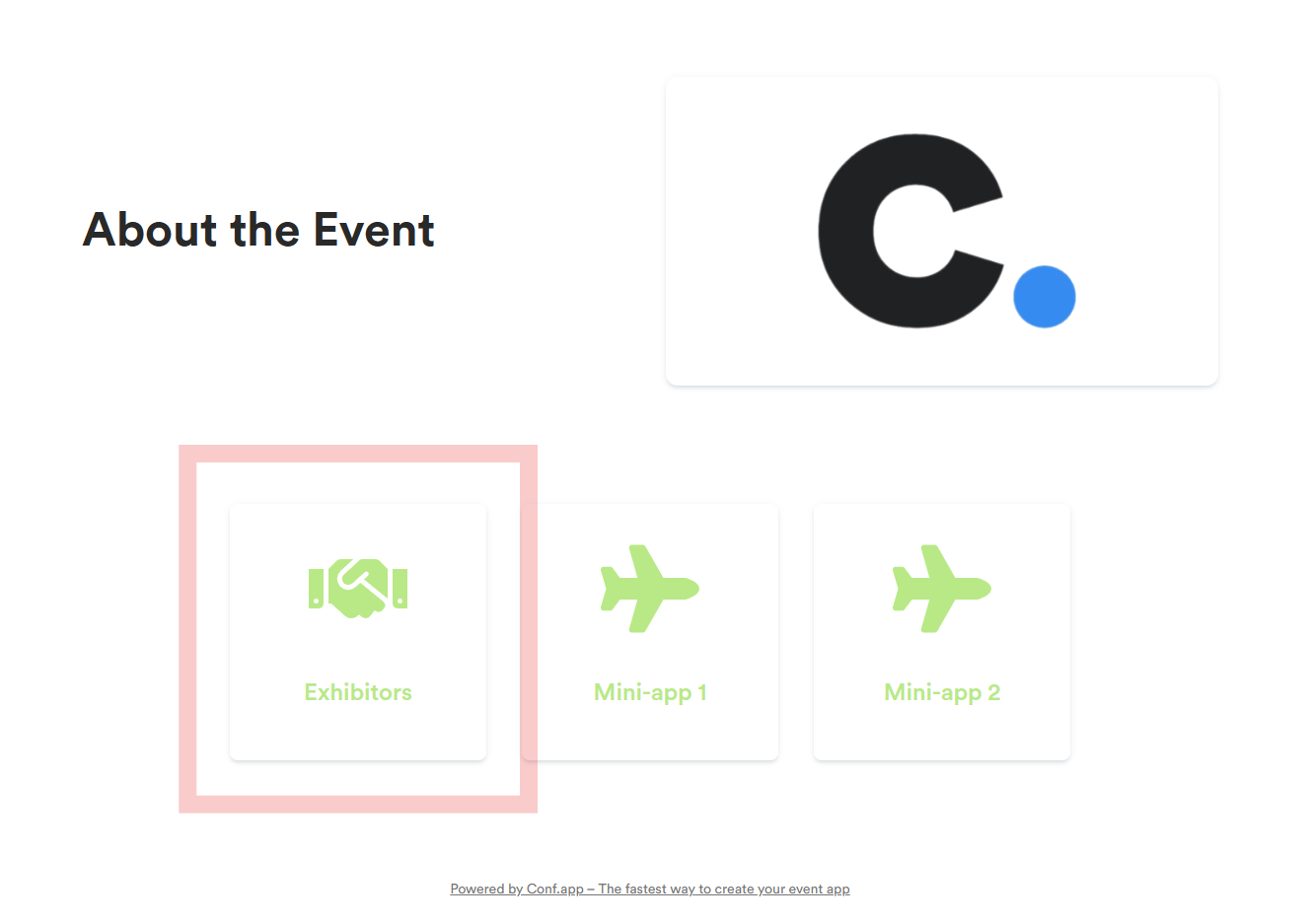
In the mobile app, your mini-app will always be shown as a separate widget. On the event website, however, there are three ways to display it, depending on the option you chose in the mini-app settings.

Menu Item

Widget

Front-page section

Leave a Comment